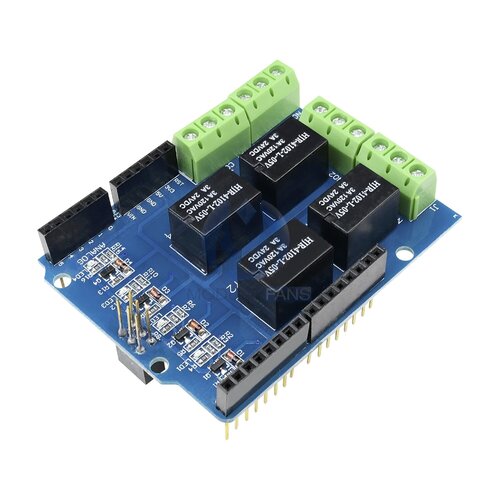
ENJ28j60 Ethernet 8/16 Channel Relay Control Module Smart Home
- Brand:
- China
- Product Code:
- 2018-1-407
- Availability:
- In Stock
- Reward Points:
- earn 7 points (7.00 ₺)
Ex Tax: 632.78 ₺
- Same-Day Shipping For orders placed by 15:00
- Free Shipping On orders over 3000 TL
- Easy Returns 14-day right of return
-
 Secure Payment 256-bit SSL protected
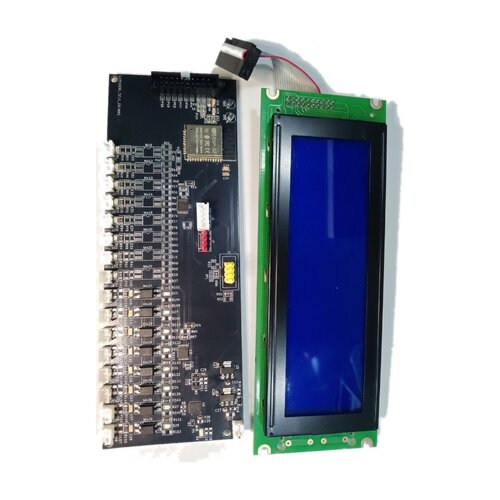
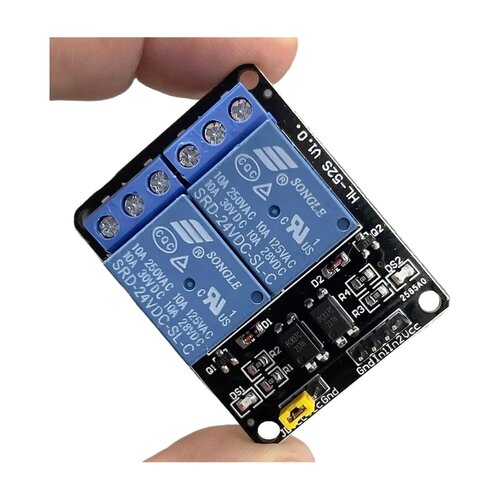
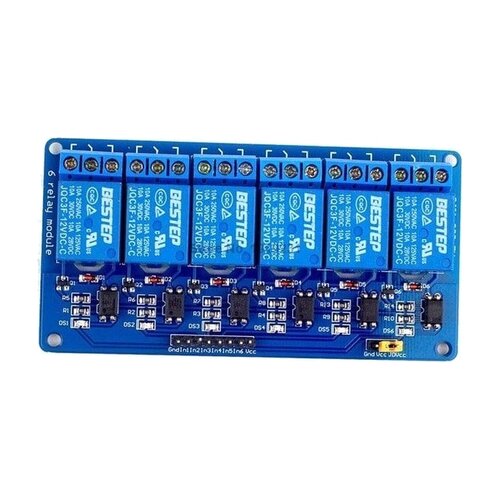
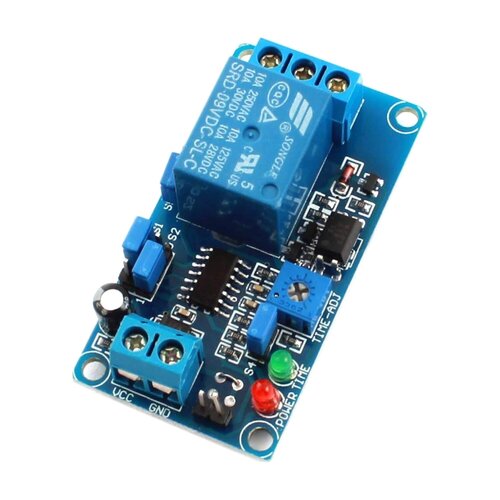
ENJ28j60 Ethernet 8/16 Channel Relay Control Module Smart Home
An 8/16-channel relay control module that can be operated remotely over TCP/IP using HTTP commands. It is used for centralized management and remote control in home, office, store, and industrial applications.
Technical Specifications
| Feature | Value |
|---|---|
| Relay channel count | 8/16 Channels |
| External power supply voltage | 5 V DC 2A |
| Electronic switch life | 100,000 cycles |
| Operating temperature | -30 °C to 85 °C |
| Network protocol | TCP/IP |
| Default IP address | 192.168.1.4 |
| Default port | 30000 |
| Setup methods | Direct setup and control via PC serial port or network assistant |
Usage and Setup
The default IP address is 192.168.1.4 and the default port is 30000. You can access the control interface by entering http://192.168.1.4/30000 in your browser's address bar.
Relay control commands are sent using a two-digit code appended to the end of the address. For example, the command http://ip/port/01 turns on Relay-01, and the command http://ip/port/00 turns off Relay-01. Commands for Relay-01 through Relay-16 are defined by codes between 00 and 31.
To retrieve relay status information, use the address http://ip/port/99. This address returns a 16-character status string. The most significant bit represents channel 1, and the least significant bit represents channel 16. For example, in the response 1111000011110000, Relay1–4 are on, Relay5–8 are off, Relay9–12 are on, and Relay13–16 are off.
To change the IP address and port, use the page http://ip/port/41. During this process, the IP1 value cannot be 0, the IP1–IP4 values cannot exceed 255, and the port value cannot be 0.
To restore factory settings, press and hold the reset button. Release the button when the LED lights up. After a short time, when the LED turns off, the factory reset is complete.
Application Areas
Home automation, hotel and shopping center management, internet cafés, karaoke venues, offices, store monitoring, industrial control, test equipment, power control, street light management, and centralized management systems.
Package Contents
- 1 x ENJ28j60 Ethernet 8/16 Channel Relay Control Module Smart Home
Related Products